Pro Jank Footy Official & Community Links
Wishlist destinations, Discord, and studio channels in one clean list.
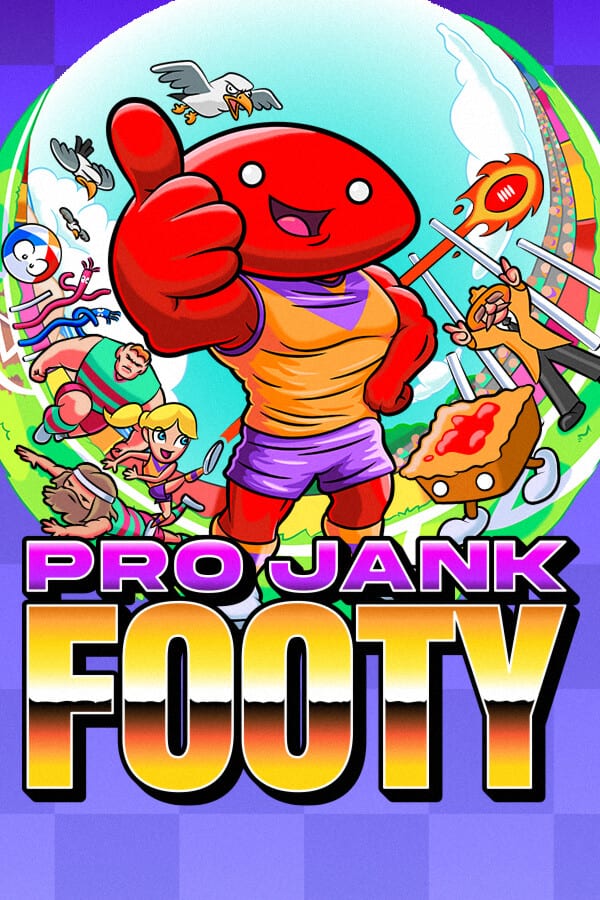
Use this Links hub when you need the real destinations behind the wiki’s advice. Everything below points at official or first-party storefronts—not random mirror sites.
Primary destinations
- Official website — launch messaging, wishlist buttons, mailing list.
- Steam store page — PC wishlist, system requirements, language list.
- Discord — community chat and tournament findings promoted by the team.
- PlayStation, Xbox, and Nintendo storefront entries are summarised with context on the Platforms page.
Social channels
Official socials promoted on the game site include Instagram, X/Twitter, TikTok, and Facebook under the Pro Jank Footy name. Follow those for trailer drops and appearance news (BitSummit, Day of the Devs, SAGE, and more).
How to use links with guides
Wishlist first, then return to Getting Started. If you are coordinating a friend group, share Discord plus the Multiplayer guide so everyone agrees on rules before the first bounce. For date anxiety, keep the Release Guide open beside the store page.
Fan-wiki disclaimer
projankfooty.wiki is unofficial. We are not Powerbomb Games, Tinker Town, or Umbrella Gaming. When advice conflicts with an official patch note or storefront listing, trust the official source and tell us so we can correct the guide.
Wishlist etiquette for friend groups
Share one storefront link that matches the host’s box, not four competing deep links in the same message. Add a second link to Getting Started so onboarding is part of the invite. If someone needs languages, remind them Steam lists more interface languages than this wiki currently localises—details also appear in the Release Guide.
Reporting broken links
If a social URL 404s, tell us via your usual channel; social handles rotate. We will correct the Links hub faster than we will invent replacements. Official website and Steam app 3621330 remain the durable anchors even when a TikTok handle changes.
Storefront hygiene
Bookmark the official site and Steam page, then add your console storefront after you read the Buyer’s Guide. Avoid random key shops promising pre-order miracles. If Discord tournament links circulate, verify they were posted by the official server staff before you schedule a night around them. Wishlist once, then return to Getting Started so the purchase becomes practice.
Wishlist and join order
- Official website for mailing list and wishlist buttons.
- Steam if you are on PC, or your console storefront after reading Platforms.
- Discord for community brackets—verify pins before trusting a random invite.
- Return to Day-One Checklist so social links do not replace pad charging.
What this hub deliberately skips
We do not mirror every social post, and we do not host keys or cracked builds. If a “code” appears on a random forum, verify it against our Codes empty-state policy before you waste a night. For purchase framing—price class, ESRB, download size—use the Buyer’s Guide. For club identity before you join a Discord tournament, skim Clubs and Teams.
Keeping links fresh after launch
Patch notes and storefront readiness will surface first in the Updates Hub. When a social channel posts a new trailer, we prefer embedding one verified YouTube ID inside a guide rather than dumping every clip here. That keeps this page a directory, not a noisy timeline.
Frequently Asked Questions
Quick answers about Pro Jank Footy modes, power-ups, and platforms.
Is this wiki affiliated with the developers?
No. It is an independent fan resource.
Where is the best place for tournaments?
Start with the official Discord linked above.
Which link should I share with friends?
Steam or their console storefront, plus Getting Started for onboarding.